

Method: Enter the startup password and select 'Always Allow' to lift the restriction
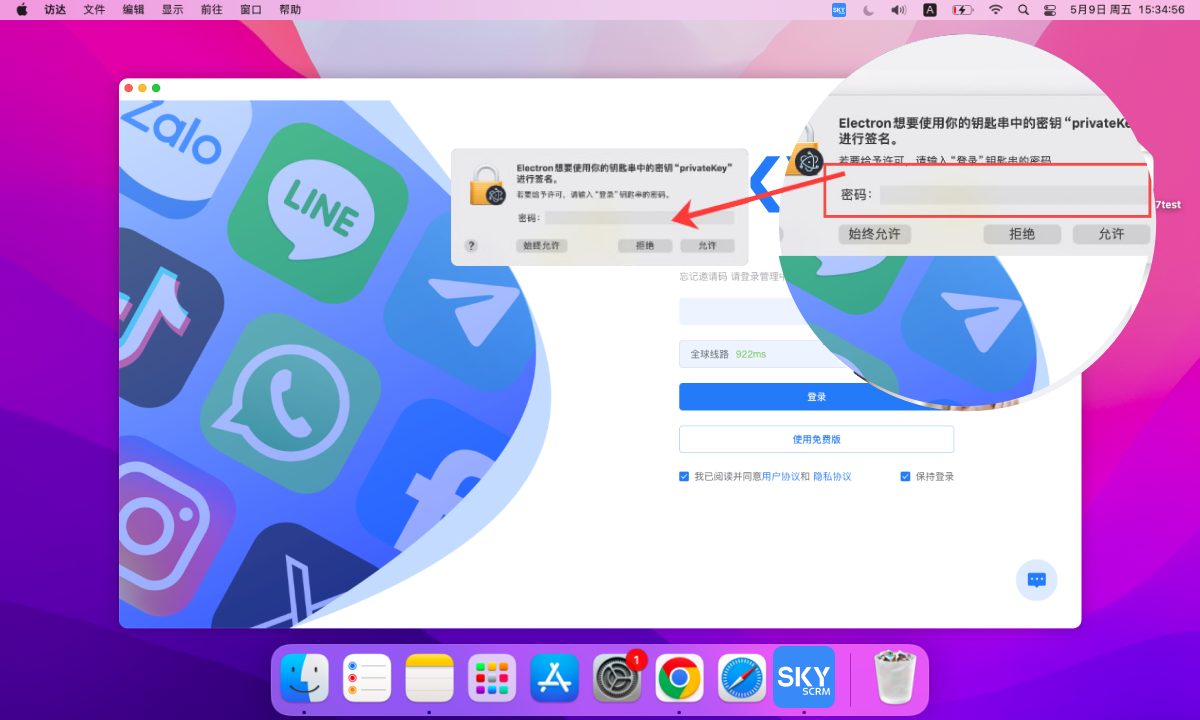
After installing the client, a popup appears saying: 'Electron wants to use the key 'privateKey' in your keychain to sign.' Enter the startup password and select 'Always Allow'.
Capture every potential customer for your business! SKY SCRM - One-stop intelligent customer service system platform